Windows 10/11 · SteamOS · Steam · open test

Set up Path of Exile your way

For Path of Exile 2 and Path of Exile 1

The program changes the game’s visual files on your PC: it removes fog and extra particles, reveals the minimap and shows monster health bars. Every change can be undone with one button.

Windows 10/11 x64 · Path of Exile 2 and Path of Exile 1 from Steam
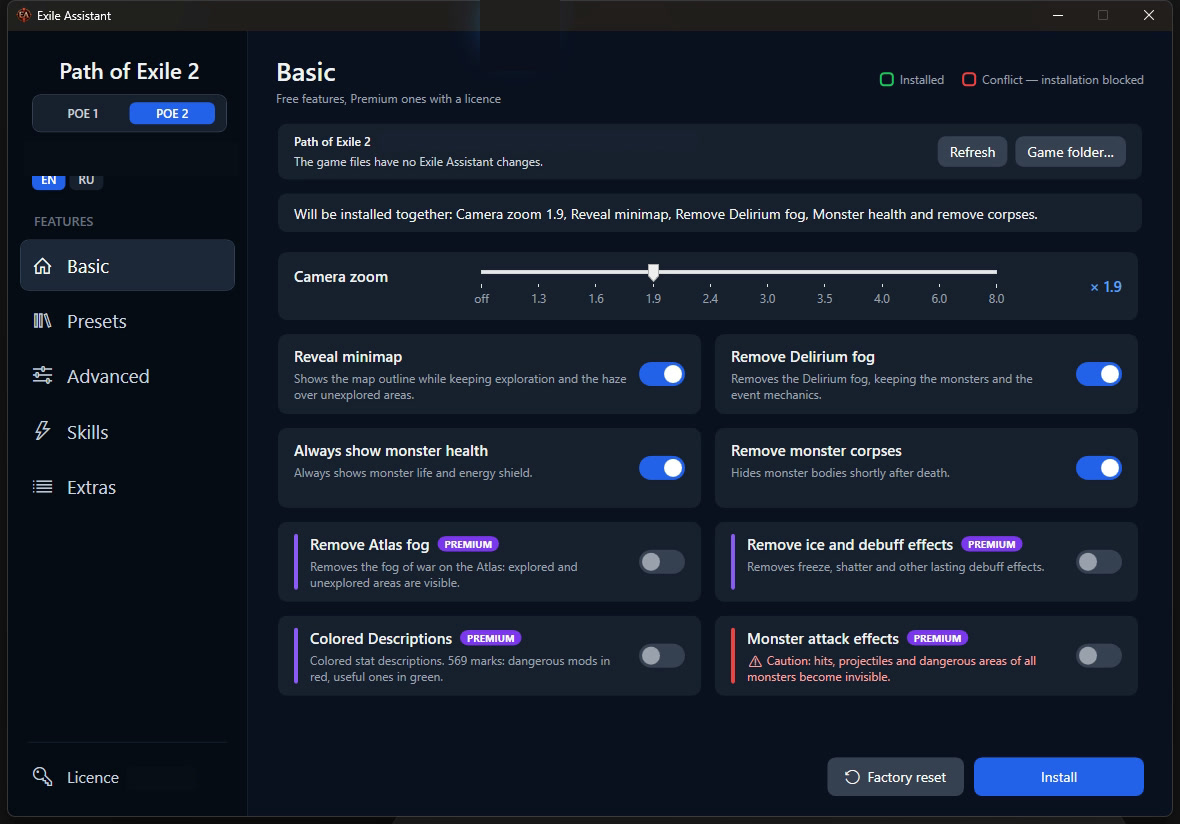
Exile Assistant: the Basic page
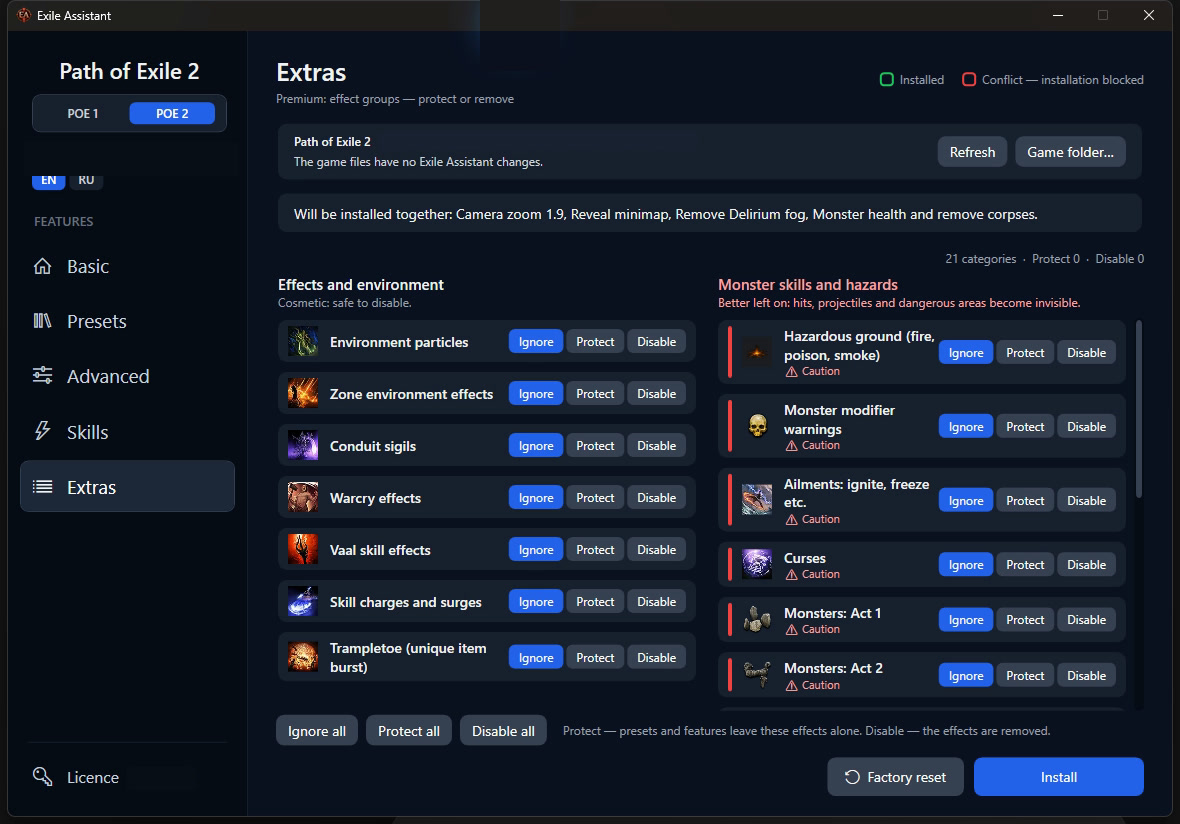
Exile Assistant: the Extras page
Local visual files only
No access to game process or memory
One-click factory reset

How it works

Exile Assistant works while the game is closed. It never touches the running game.
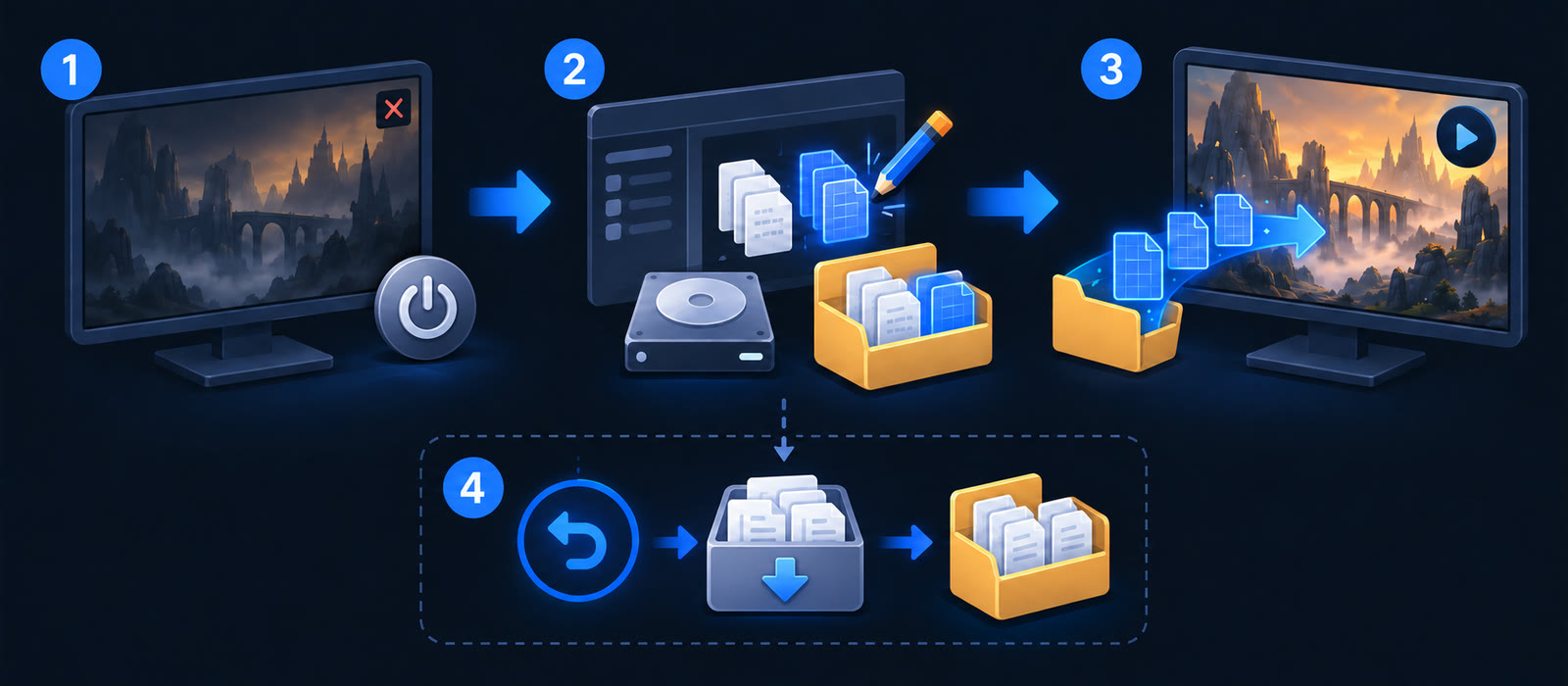
Diagram: 1 the game is closed, 2 Exile Assistant changes local game files on disk, 3 the game starts as usual and loads them, 4 factory reset brings back the official files
  1. Close the game.
  2. Exile Assistant changes local game files on disk.
  3. Launch the game as usual; it loads the modified files itself.
  4. If needed, Factory reset downloads the developer’s official files and puts them back into the game folder.

What it does and what it does not do

Left: files on disk are changed while the game is closed. Right, crossed out: game memory, automatic clicks, overlays, game servers

Changes local files while the game is closed. Changes are visible only on your computer.

Does not run during gameplay: it does not read or modify game memory, inject into the process, draw overlays, automate inputs or connect to game servers.

Modifying game files may violate Grinding Gear Games’ rules. These diagrams explain how the program works and do not promise protection against account bans.

See how Exile Assistant works

Switch between Path of Exile 2 and Path of Exile 1, choose individual visual changes or a ready-made preset, and review everything before installation.

Choose how much you want to change

Start with the free features. A licence adds ready-made presets and individual effect controls.

Free

  • Camera zoom
  • Revealed minimap
  • No Delirium fog
  • Monster health and no corpses
  • FPS check: how the game runs on your computer (Windows)

Premium Licence

  • Light, Medium, High and Extreme presets
  • Advanced visual switches
  • Skill and effect-group controls
  • Coloured descriptions, Atlas fog and debuff effects
  • Appearance: armour sets, portals and skill effects
  • No rain, no cloud shadows, no pictures on loading screens, Atlas beams

Steam Deck and Steam Machine Available

Path of Exile 2 is now Steam Deck Verified, announced on 24 September 2026.

Exile Assistant is also available for SteamOS with the same presets and switches: on Steam Deck on the go and on Steam Machine by the TV.
  • Game Mode: full screen, controller navigation
  • Add to your Steam library in one click
  • Less fog, fewer particles and effects, so less work for the graphics chip
  • Fewer frame drops in heavy fights, and the battery may last longer
Exile Assistant for Steam Deck

Windows handhelds Available

MSI Claw, ASUS ROG Ally, Lenovo Legion Go and other handhelds run Windows 11, so Exile Assistant works on them just like on a desktop PC. Tested on MSI Claw.
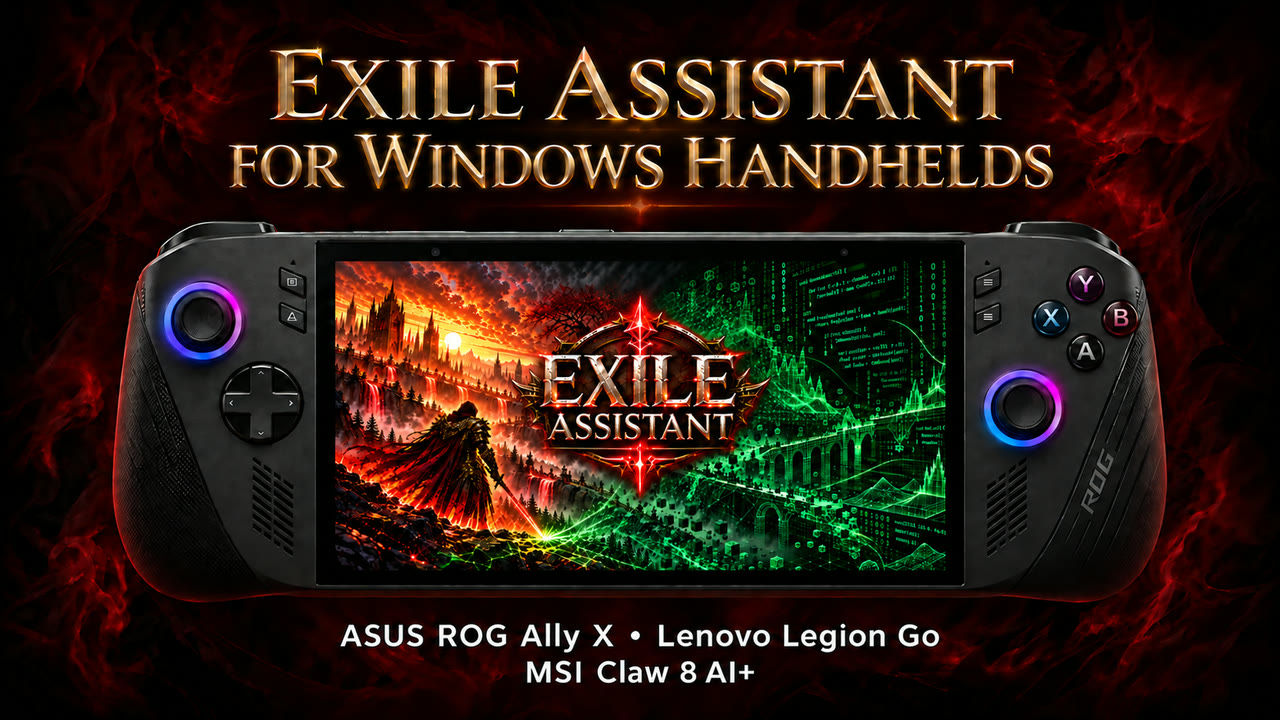
  • The same Windows program: install, presets and factory reset in a few taps on the touch screen
  • Less fog, fewer particles and effects, so less work for the handheld’s graphics chip
  • Fewer frame drops in heavy fights, and the battery may last longer
  • Camera zoom and a revealed minimap help on a small screen
  • Controller support: D-pad or stick to move, A to select, B to go back, LB / RB to switch pages, right stick to scroll
  • One button adds Exile Assistant to the Steam library with its artwork, so you can start it from Big Picture like a game
Exile Assistant on Windows handhelds

You can always return to the official files

Factory reset downloads and restores the official game files. No licence is needed for it.