
Features

Choose a ready-made preset or combine individual changes. The client blocks incompatible combinations before installation.

What changes

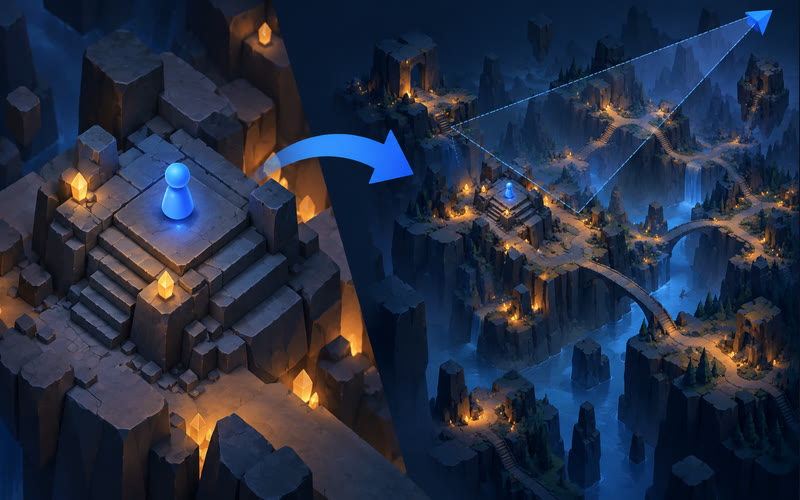
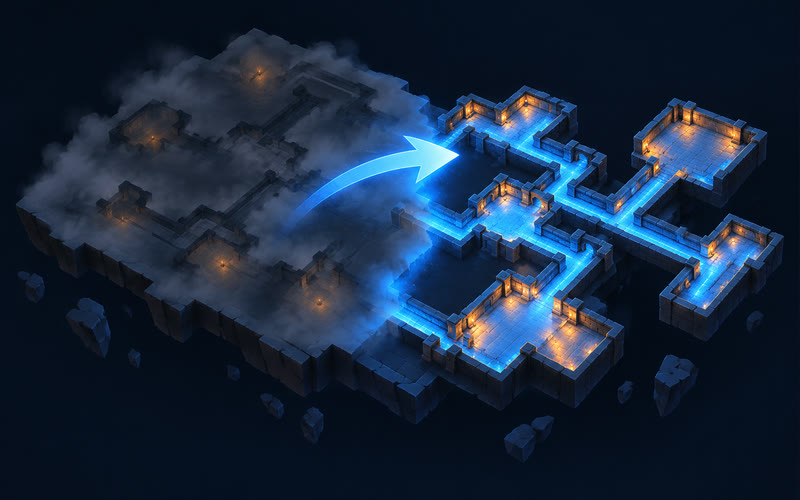
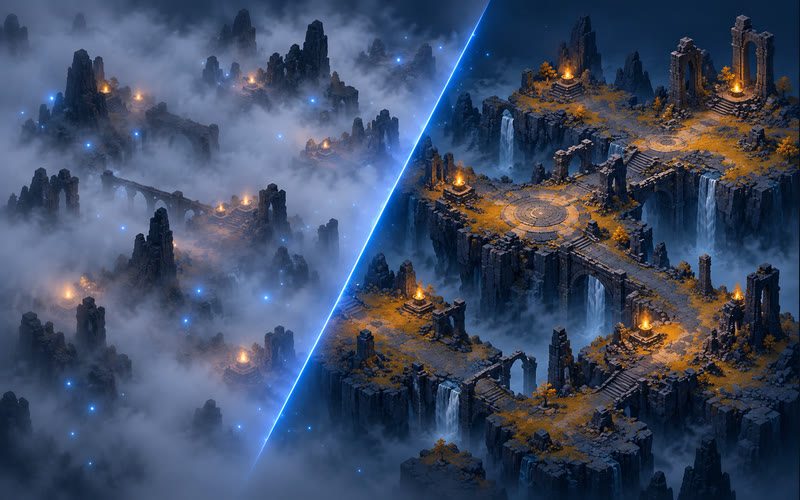
Illustrations of the idea, not screenshots of the game. The real result depends on the game, the patch and your settings.

Camera zoom
Camera zoomSee more of the area around your character.
Revealed minimap
Revealed minimapPassages appear on the minimap.
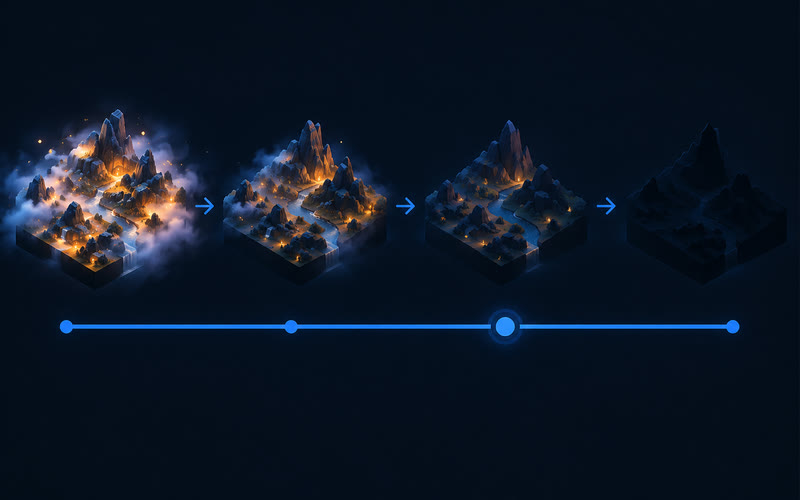
Less fog and particles
Less fog and particlesA clearer view in busy fights.
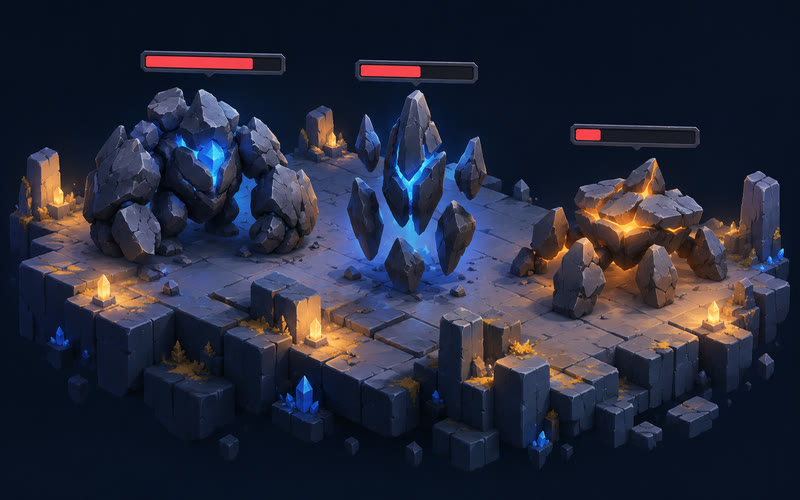
Monster health
Monster healthHealth bars above monsters.
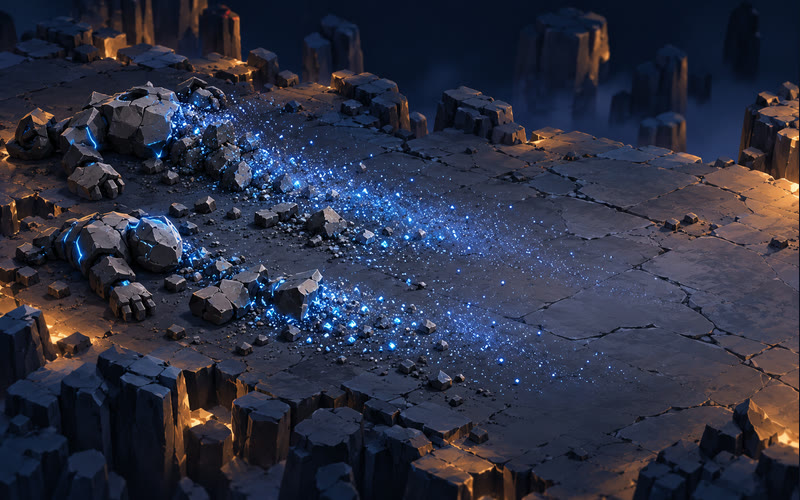
No corpses
No corpsesMonster corpses disappear after death.
Presets
PresetsLight → Medium → High → Extreme: fewer effects step by step.
Factory reset
Factory resetOne button brings back the developer’s official files. No licence needed.
FeatureFreePremium
Camera zoomYesYes
Revealed minimapYesYes
No Delirium fogYesYes
Monster health and no corpsesYesYes
FPS check on your computer (Windows)YesYes
Light, Medium, High and Extreme presets—Yes
Advanced visual switches—Yes
Skill and effect-group controls—Yes
Coloured descriptions, Atlas fog and debuff effects—Yes
Appearance: armour sets, portals and skill effects—Yes
No rain, no cloud shadows, hide loading screens—Yes
Atlas beams: remove them or make them red—Yes

How installation works

  • The game must be closed before files are changed.
  • After a game patch, the presets it changed are disabled until an update is published.
  • Incompatible choices are highlighted before installation.
  • Factory reset restores the official files.
  • If Steam puts the official files back when it verifies the game, the program shows it. Then press Factory reset and install again.
Path of Exile 2 artwork