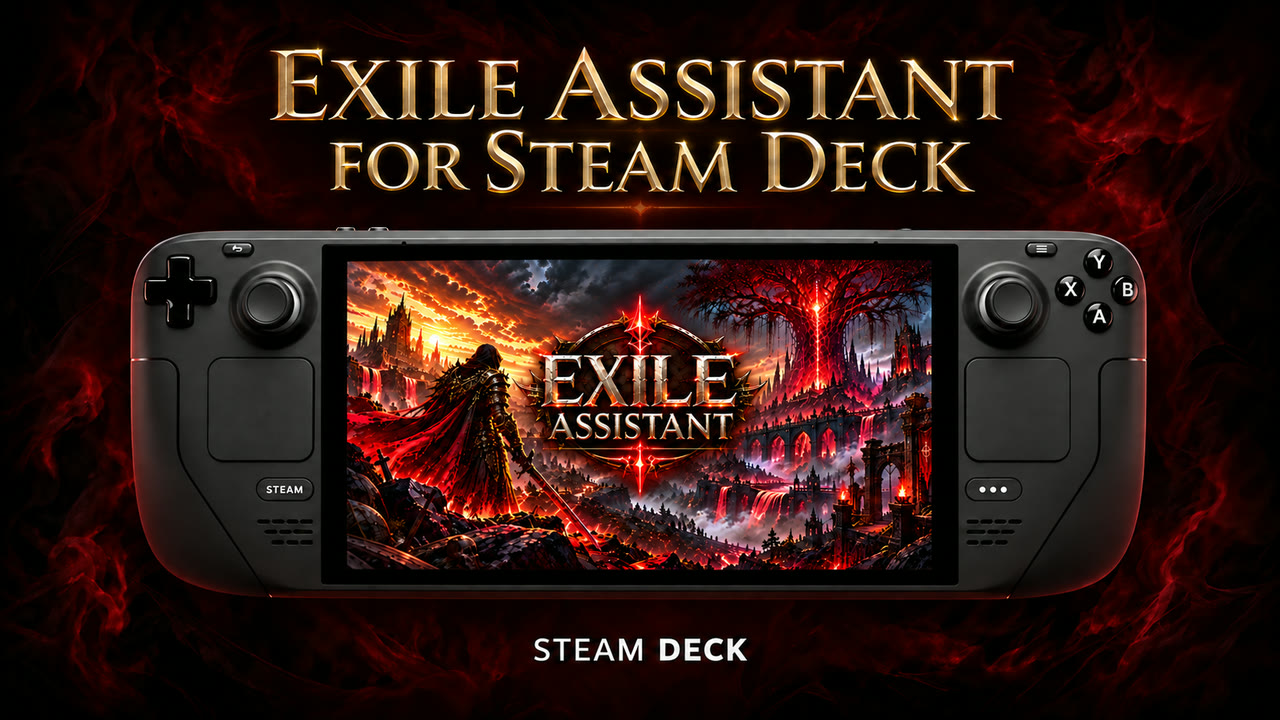
Path of Exile 2 on Steam Deck: how to raise FPS and save battery

Path of Exile 2 is Steam Deck Verified and the campaign plays well, but busy endgame maps full of effects can pull the frame rate down. Exile Assistant for SteamOS lowers the visual load right in the game files by removing fog and some particles and effects. Everything can be restored with one click.

Path of Exile 2 on Steam Deck: how to raise FPS and save battery

Why Path of Exile 2 slows down on Steam Deck

The heaviest moments are maps with many monsters, ground effects, fog and clouds of skill particles. The Steam Deck graphics chip has to draw all of it at once, so the frame rate drops exactly when the fight is hardest — and the battery drains faster.

What Exile Assistant changes

  • Light, Medium and High presets: each level removes more effects
  • Delirium and Atlas fog, ground effects and the particle groups you choose are removed
  • Camera zoom from 1.3 to 8.0 to see more of the map on the small screen
  • A revealed minimap and always visible monster health
  • No rain, no cloud shadows and no pictures on loading screens
  • Works in Game Mode: one button adds it to the Steam library, controlled with the gamepad
  • “Factory reset” restores the official game files from the developer’s servers

Recommended start on Steam Deck

  1. Install Exile Assistant for SteamOS; the step-by-step guide covers Desktop Mode too.
  2. Close the game, choose the Light or Medium preset and press Install.
  3. Start Path of Exile 2 and check a busy map; switch to High if you want more headroom.
  4. In the Steam quick access menu you can also cap the frame rate (for example at 40 FPS) for smoother play and longer battery life.

The effect depends on the chosen settings and the game version; there is no promise of a specific frame rate.

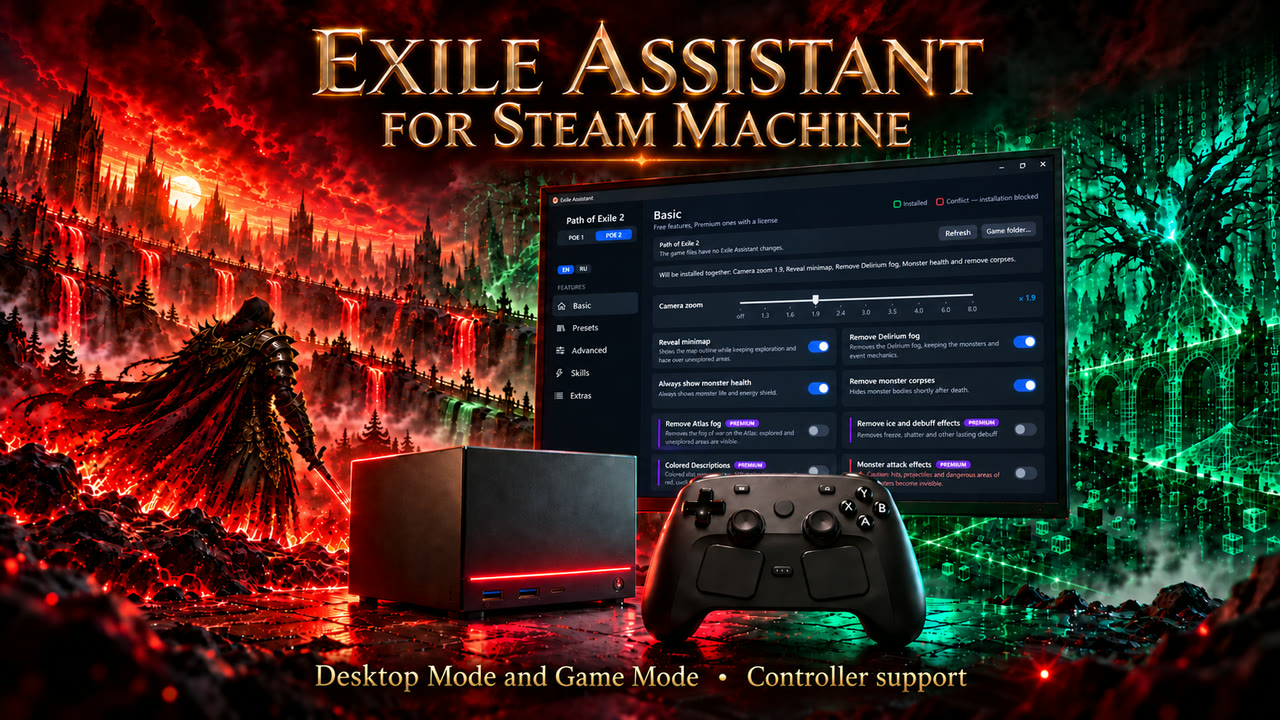
Steam Machine

The same SteamOS version runs on Steam Machine: install it in Desktop Mode, add it to the Steam library and use it on the big screen with a controller.

Steam Machine

Windows handhelds

MSI Claw, ROG Ally, Legion Go and other Windows handhelds use the Windows version with the same features and controller support.

Questions

Does Path of Exile 2 run on Steam Deck?

Yes. Path of Exile 2 is Steam Deck Verified (24 September 2026). The campaign is comfortable; busy endgame maps are the most demanding part.

How do I get more FPS in Path of Exile 2 on Steam Deck?

Lower the visual load: fewer particles, less fog and fewer ground effects. Exile Assistant does this in the game files with ready presets; you can also cap the frame rate in the Steam quick access menu.

Does Exile Assistant work in Game Mode?

Yes. The “Add to the Steam library” button adds it as a non-Steam game with artwork; it is controlled with the D-pad, A / B, the shoulder buttons and the right stick for scrolling.

Can I undo the changes?

“Factory reset” restores the official game files from the developer’s servers. No licence is needed for that.

Is it allowed?

Exile Assistant changes local game files only; it does not touch the game process or its memory. Changing game files may conflict with the rules of Grinding Gear Games — you decide whether to use it.

Is it free?

Camera zoom, the revealed minimap, removing Delirium fog, monster health and corpses are free. Presets and the advanced pages need a licence.